
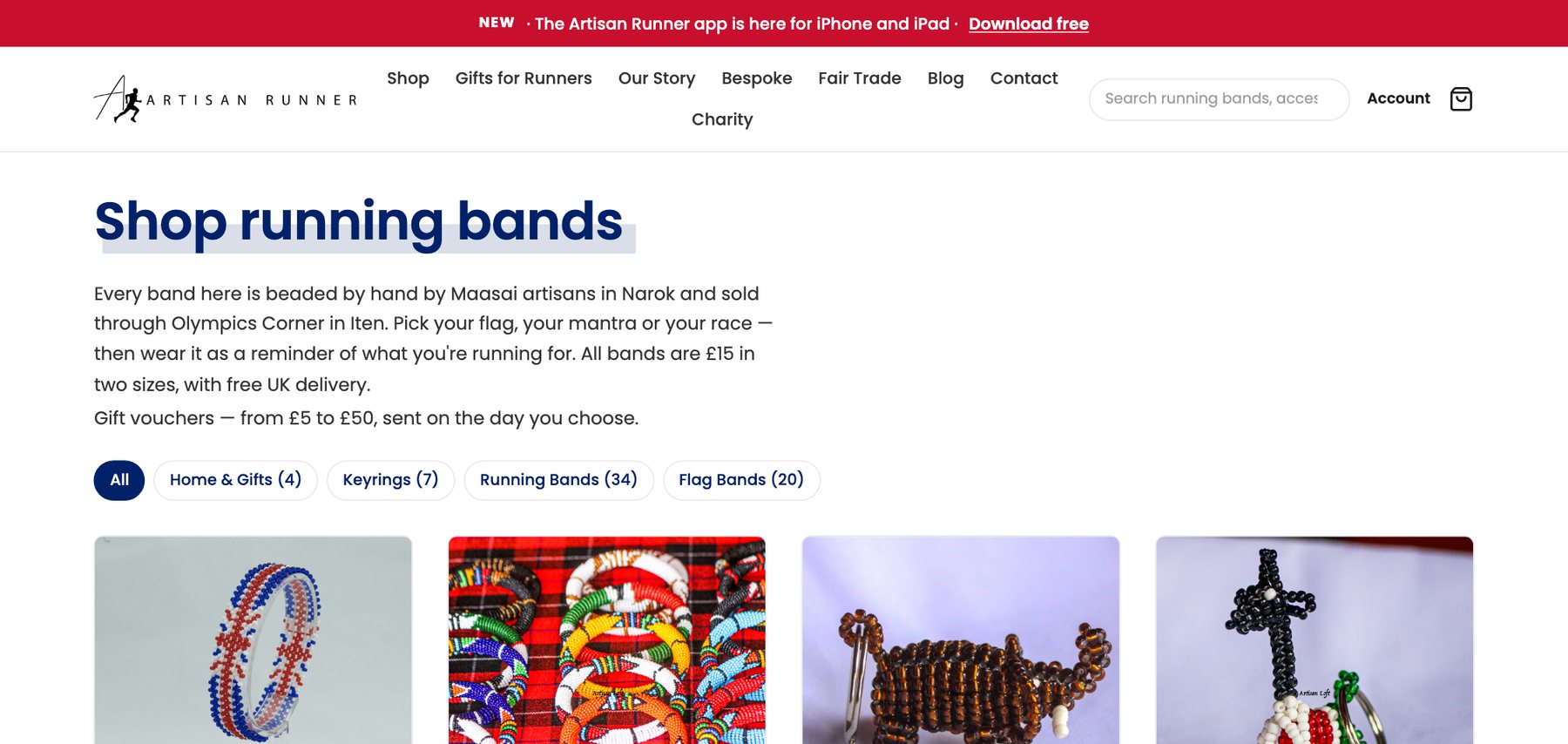
Our shop, artisan.design, ran on Classic ASP for years. It was hard to change, poor on a phone, and built on technology that stopped moving a long time ago.
It also ranked first for its main search term. That one fact shaped the whole project. A rebuild that looked better and lost the ranking would have been a step backwards.
This is how we did it. The same steps apply to any old site that still earns its keep.
Why rebuilds lose rankings
Search engines do not rank a website. They rank addresses. Every page has built up its own standing over years, tied to its exact URL.
A rebuild usually changes those URLs. /product.asp?id=42 becomes /shop/running-band. To a search engine the old page has vanished and a brand new one, with no history, has appeared.
Most ranking losses after a rebuild are not caused by the new site. They are caused by the old addresses going missing.
So the job is less about the new site than about making sure nothing that existed before disappears.
The six steps
- 01Inventory the old siteEvery page, product, image and address is crawled and listed before anything is touched.
- 02Export the dataProducts, customers and order history come out of the old database.
- 03Write the importScripts map the old shapes onto the new ones, and can be re-run until the result is right.
- 04Keep every addressEach old URL is carried across or redirected to its new home.
- 05Lay out the pagesThe imported words are rebuilt as proper layouts, on the real page.
- 06Switch overThe domain moves only once the browser tests pass against the new site.
1. Inventory first
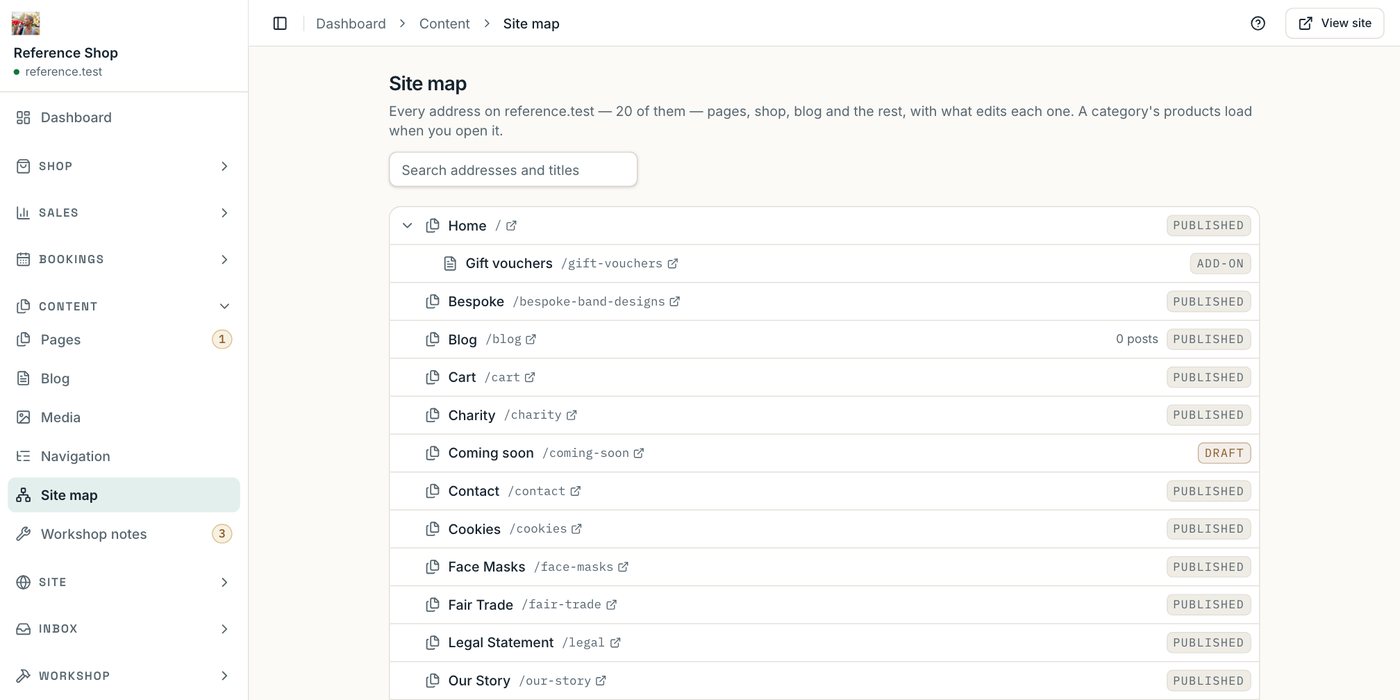
Before writing any new code we crawled the old site and listed everything on it. Not just the pages in the menu, but every address a search engine or a bookmark could know about.
This is tedious, and it is where AI earned its place. We used it to crawl the old site and build the inventory, which turned days of copying into something we could check and re-run.
2. Make the import repeatable
The first import is never right. A date is in the wrong format, a category is missing, a product has two prices.
So the import is a script, not a one-off job. We ran it, looked at the result, fixed the script and ran it again, until the result was right.
3. Every old address gets a new home
This is the step that protects the ranking. For each address in the inventory there are only two acceptable outcomes:
| Old address | What happens |
|---|---|
| Still makes sense | It is kept exactly as it was |
| Has a better new home | It redirects there, permanently |
There is no third column. An old address that leads nowhere is a ranking thrown away.
The new platform helps here. Renaming a page creates the redirect automatically, so the same mistake cannot be made later by someone tidying up.
4. Switch over when the tests say so
We did not pick a launch date and hope. The domain was pointed at the new site once automated browser tests passed against it, on desktop, tablet and phone.
What we would tell anyone doing the same
- List every address before you start. You cannot protect what you have not counted.
- Treat the import as code. If you cannot run it twice, you cannot trust it once.
- Redirect permanently, page to page. Sending everything to the home page does not count.
- Keep the words that earned the ranking. Improve the layout first and the copy later.
- Watch search results for a few weeks afterwards. A missed address shows up there before anyone reports it.
What came out of it
The shop now runs on a modern platform, takes card payments and works properly on a phone. The platform went on to run other sites as well, each with its own brand and database.
The full story, with screenshots of the admin, is in the Eskdale Platform case study. If you have an old system that still earns its keep and nobody dares touch, that is work we take on.